
VSeeBox V6 Plus
Less Time Figuring Things Out. More Time Watching.
At the end of a long day, you want to sit down, pick something to watch, and get comfortable.
That’s the idea behind the vSeeBox V6 Plus. A backlit remote you can read with the lights down. Space for your compatible apps. Wi-Fi 6 for your home network.
The things you’ll reach for and use, night after night.
$389 Is a Considered Purchase. Here’s What You’re Getting.
When you buy a TV box, the specifications matter. So does what they do for you once you’re home.
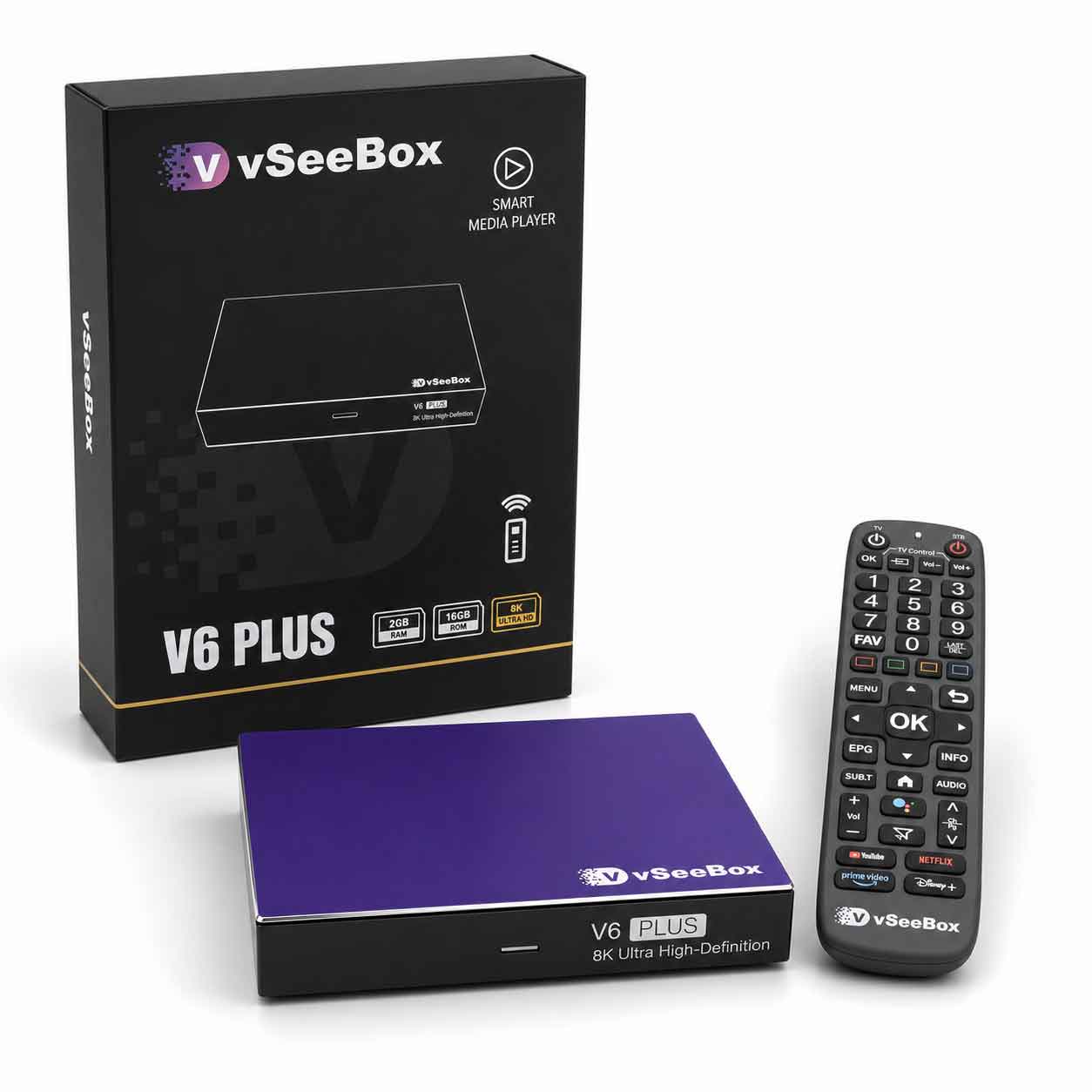
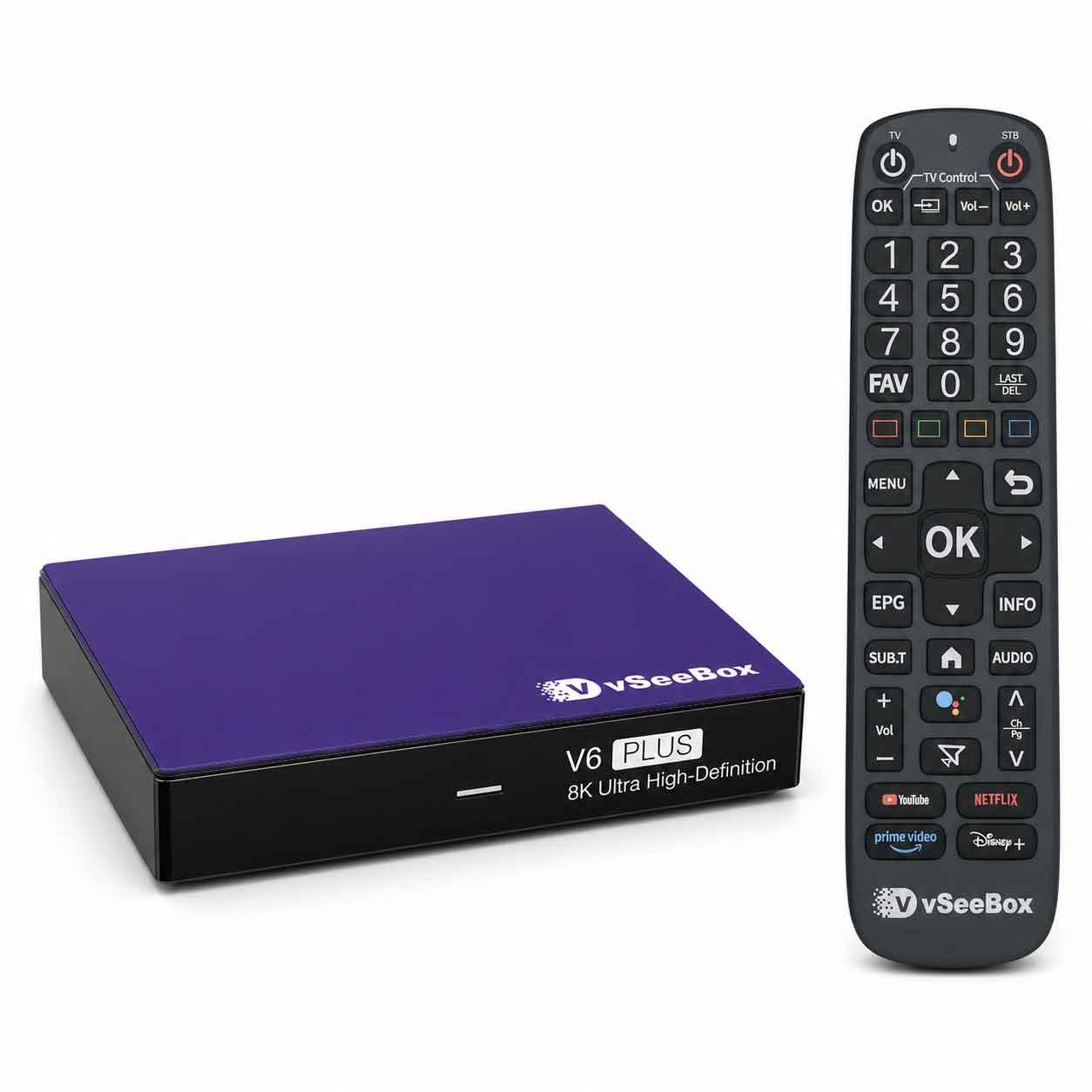
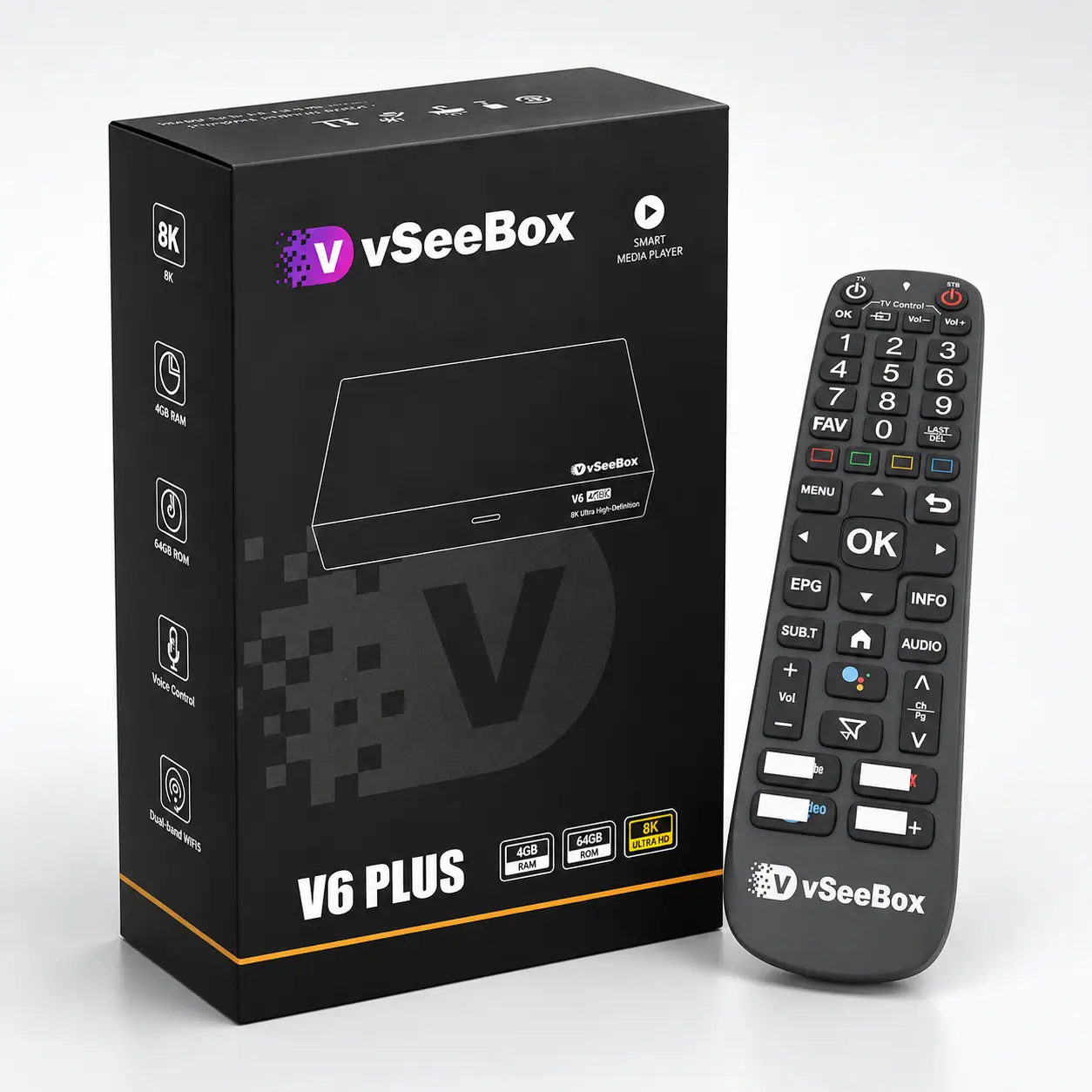
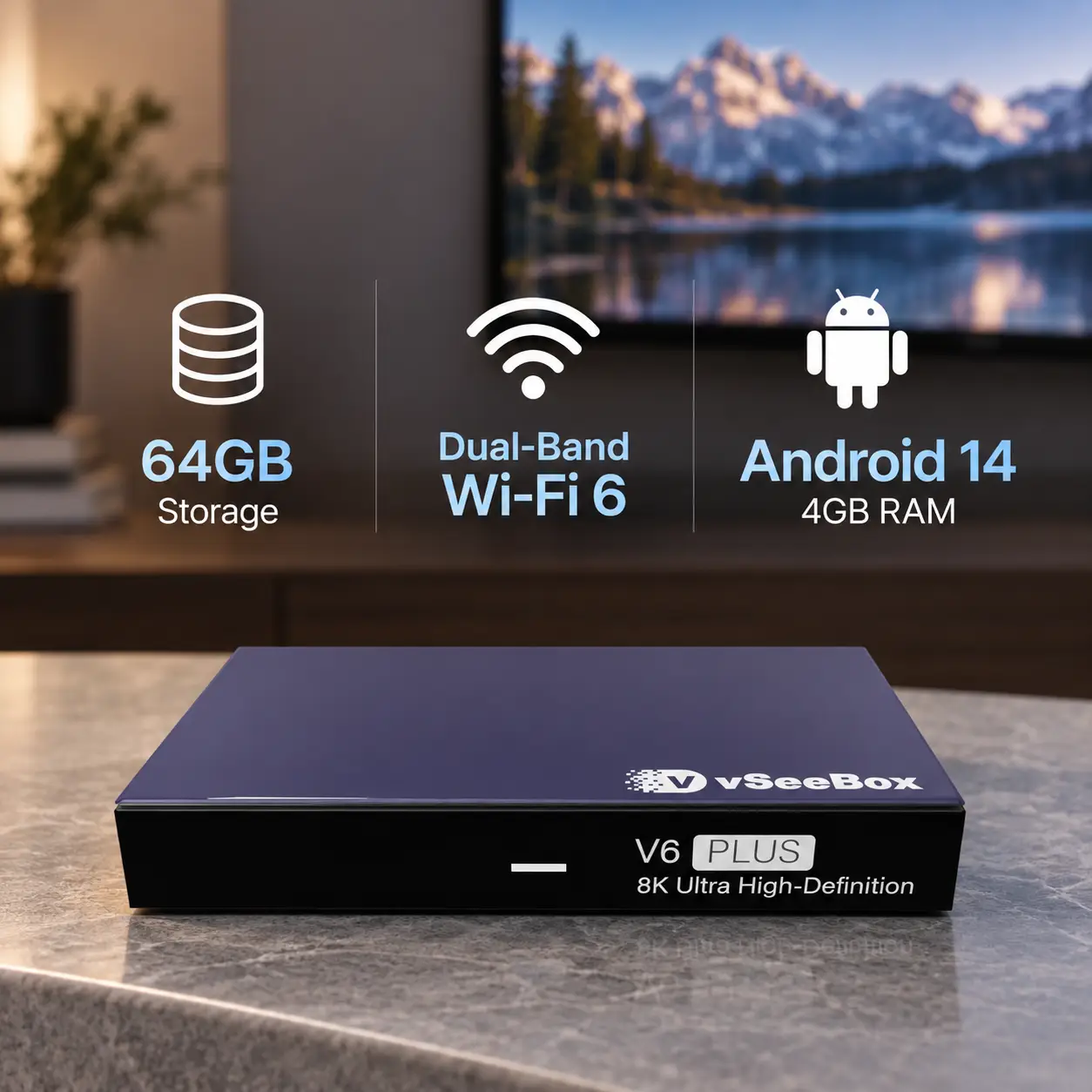
V6 Plus brings together Android 14, 4GB RAM, 64GB of storage, dual-band Wi-Fi 6, and a backlit Bluetooth voice remote.
You get room for your apps, modern wireless connectivity, and a remote that’s easier to use in a dim room—all in one setup.
If those are the features on your list, V6 Plus is worth a closer look.
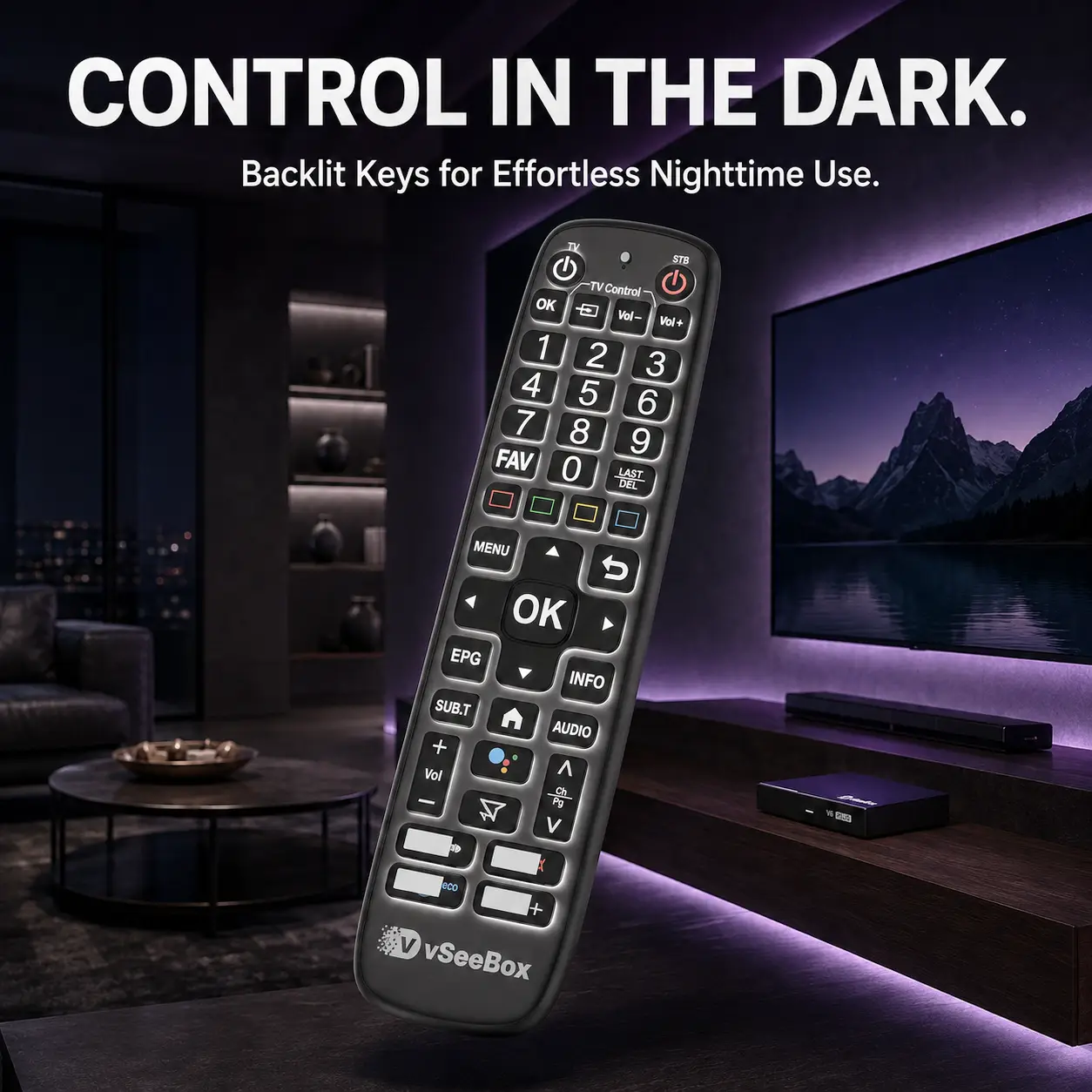
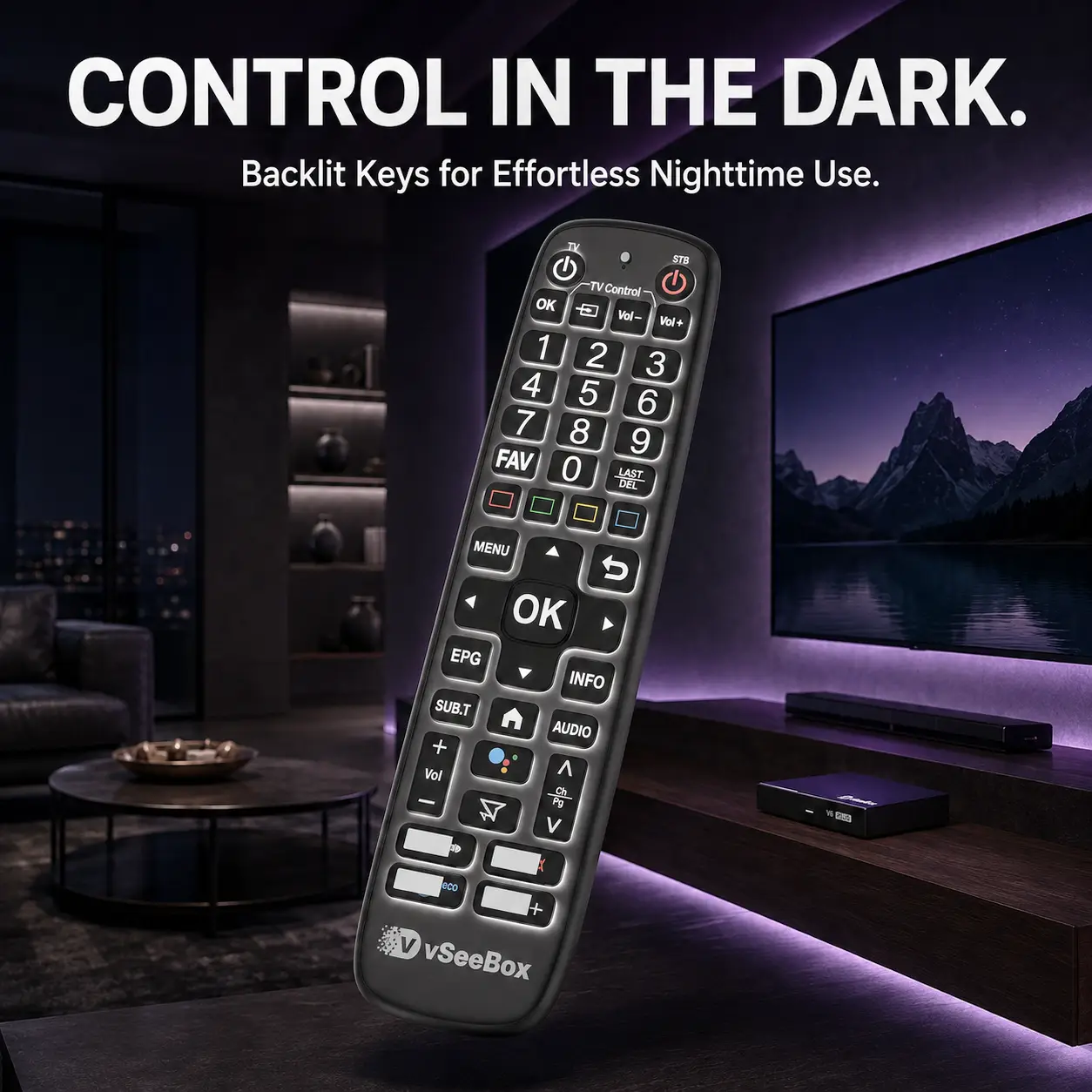
Keep the Lights Down. Find the Right Button.
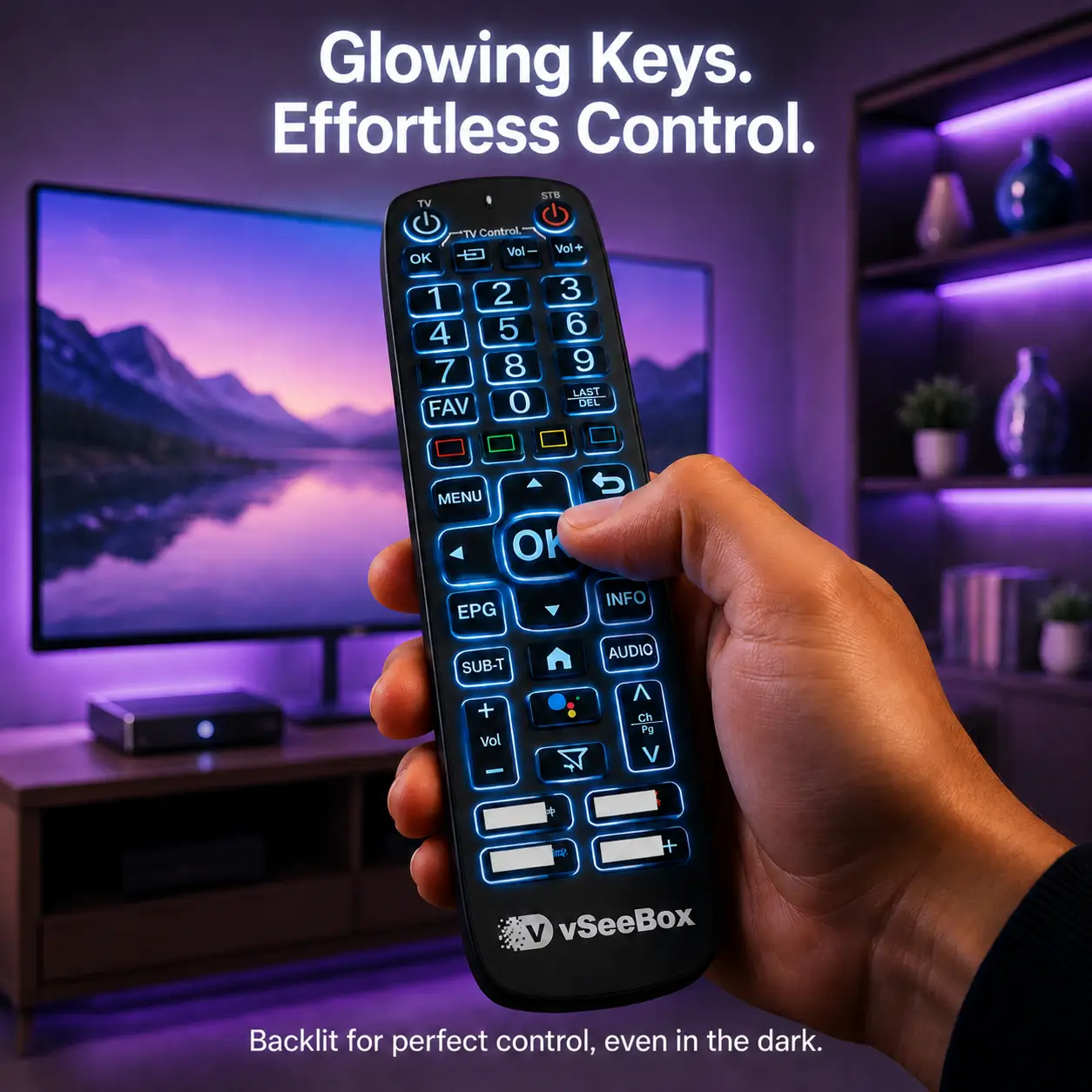
You’ve settled in, the room is dim, and you want to adjust something without turning on a lamp.
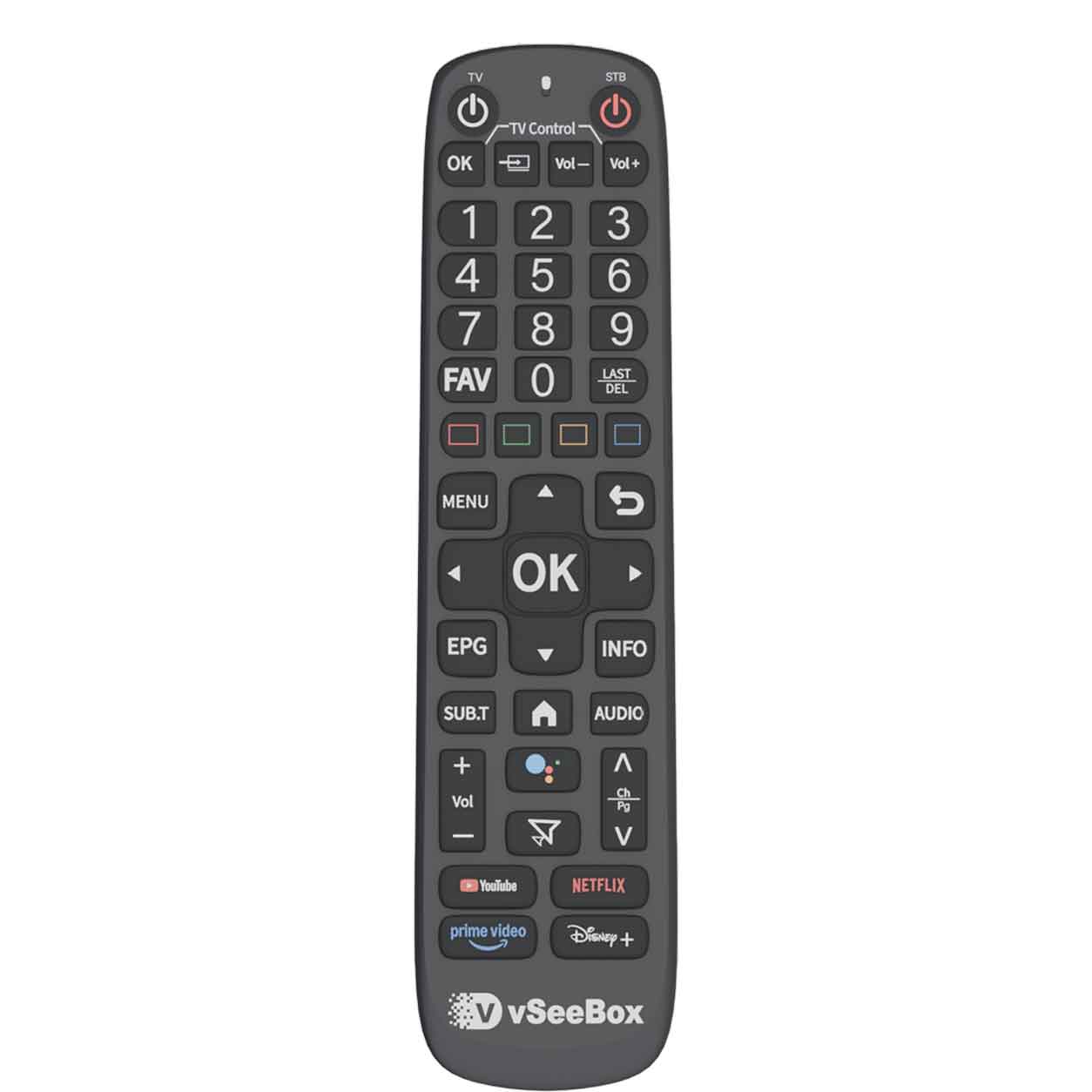
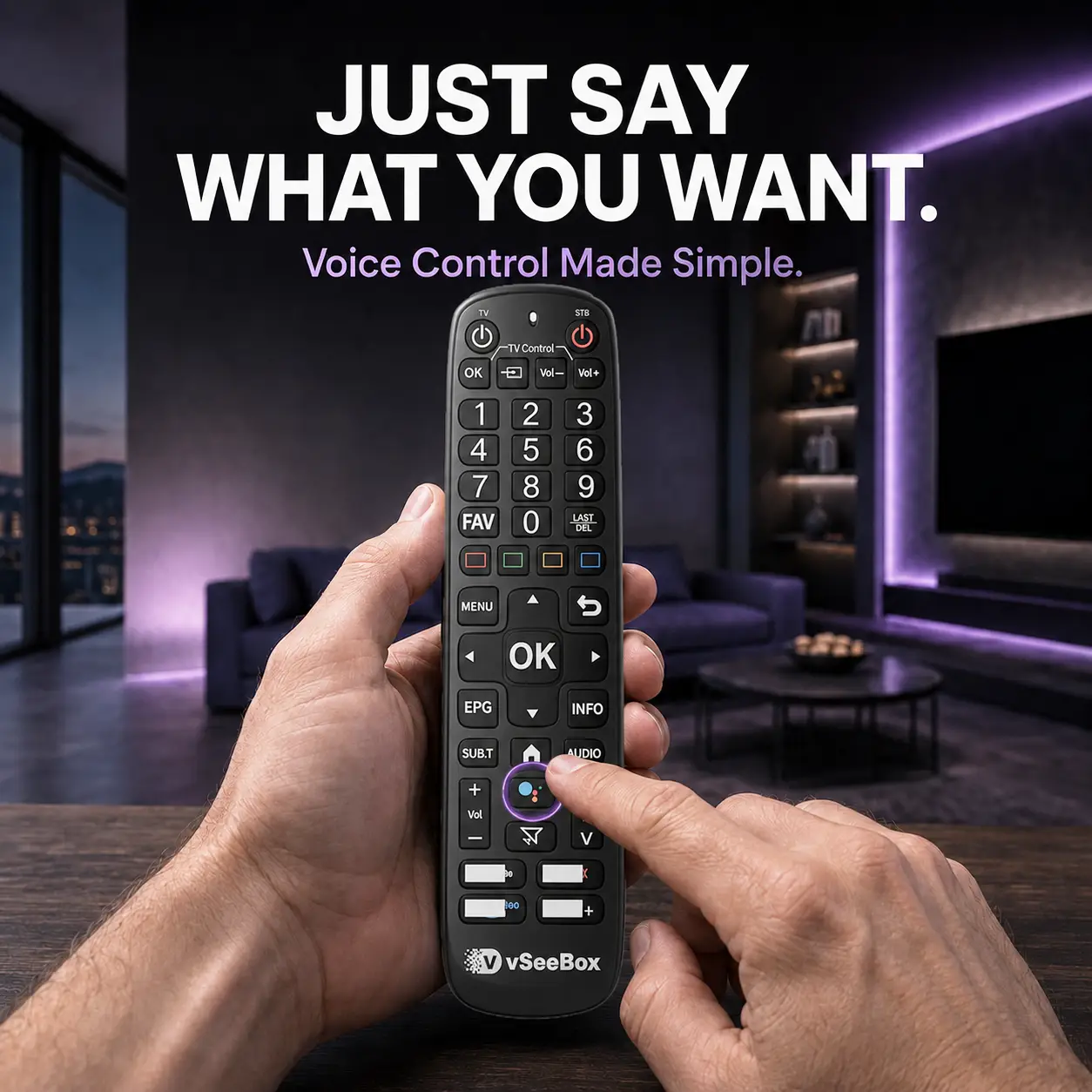
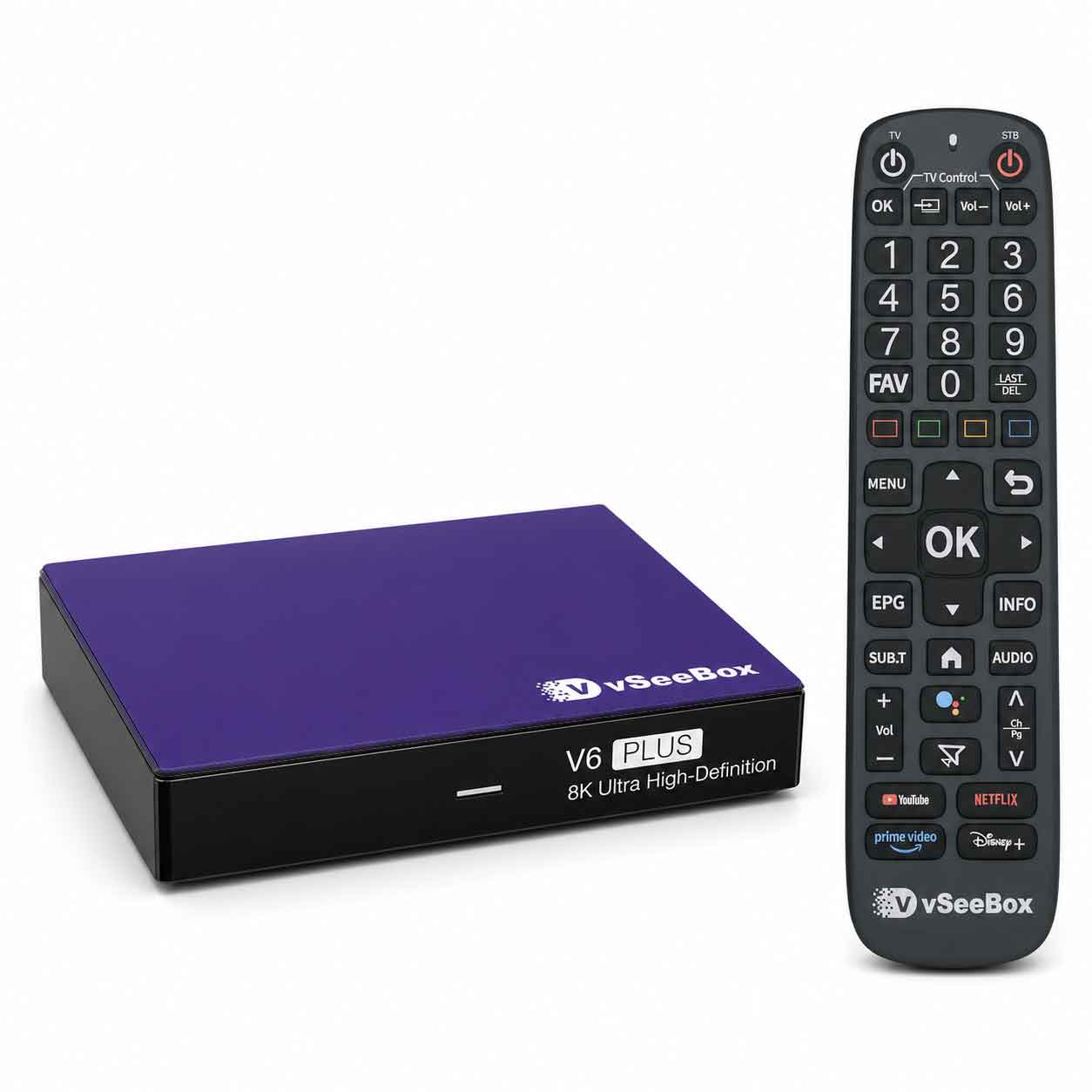
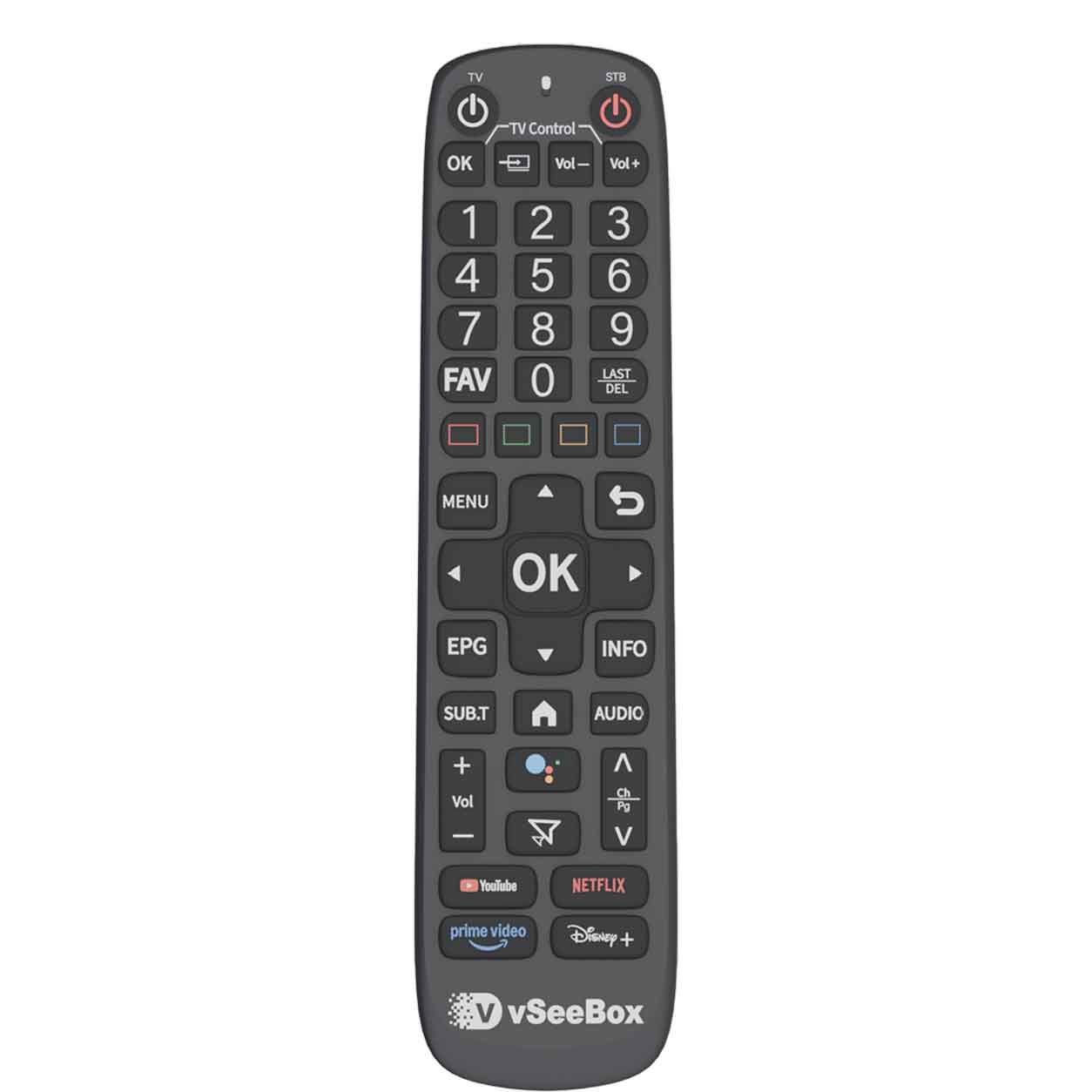
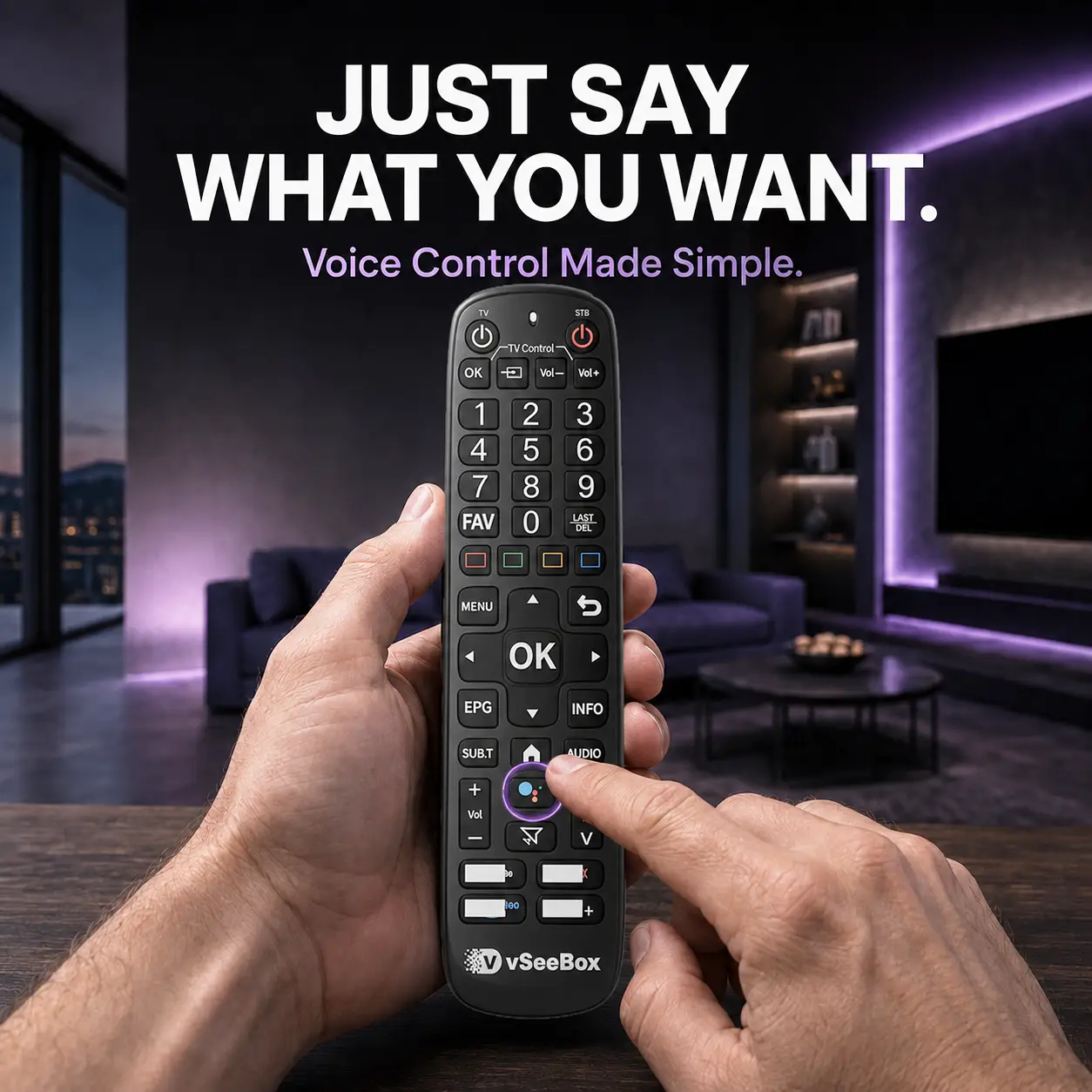
The V6 Plus remote has backlit buttons, so they’re easier to find when you need them. It also includes Bluetooth connectivity and voice control for supported apps and functions.
You’ll use the remote every time you watch. It’s worth having one that makes those moments easier.
Room for the Apps You Use—and the Ones You’ll Try Next.
Your TV setup may change over time. You might add a new app, try a different service, or find something the rest of the family enjoys.
V6 Plus includes 64GB of built-in storage for compatible apps and their data, along with Android 14 and 4GB RAM for everyday navigation and use.
Start with your favorites. Add to your setup as you go.
Usable storage is lower after system software and preinstalled apps. App compatibility and performance vary.
Wi-Fi 6, Ready for Your Home Network.
If you’ve invested in a Wi-Fi 6 router, your TV box should be able to take advantage of it.
V6 Plus supports dual-band Wi-Fi 6, giving you a modern wireless connection where you watch.
Actual streaming performance depends on your internet service, router, signal strength, and app.
You Don’t Need to Be a Tech Expert.
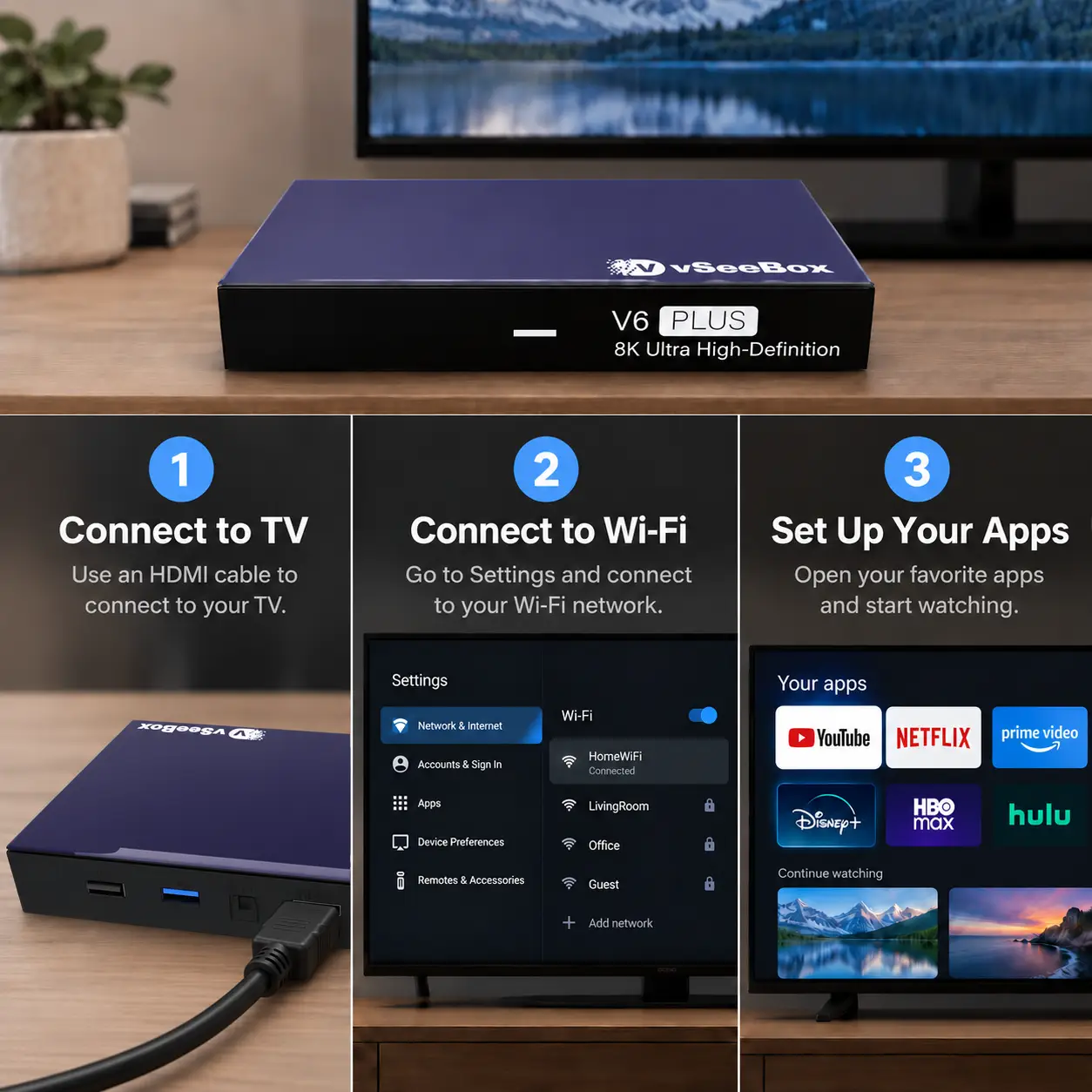
Have your TV, Wi-Fi password, and app login details ready. Then follow three steps.
1. Plug It In
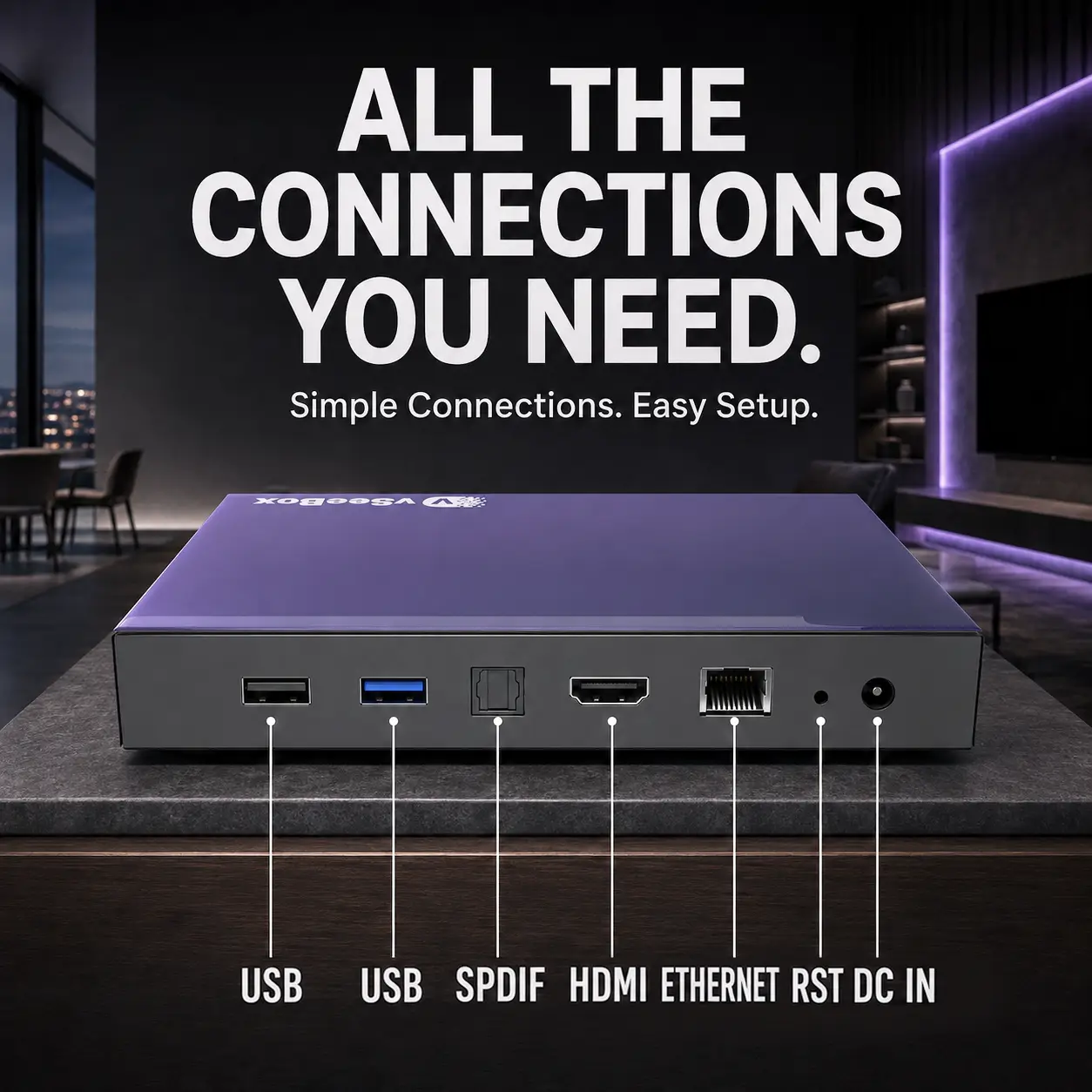
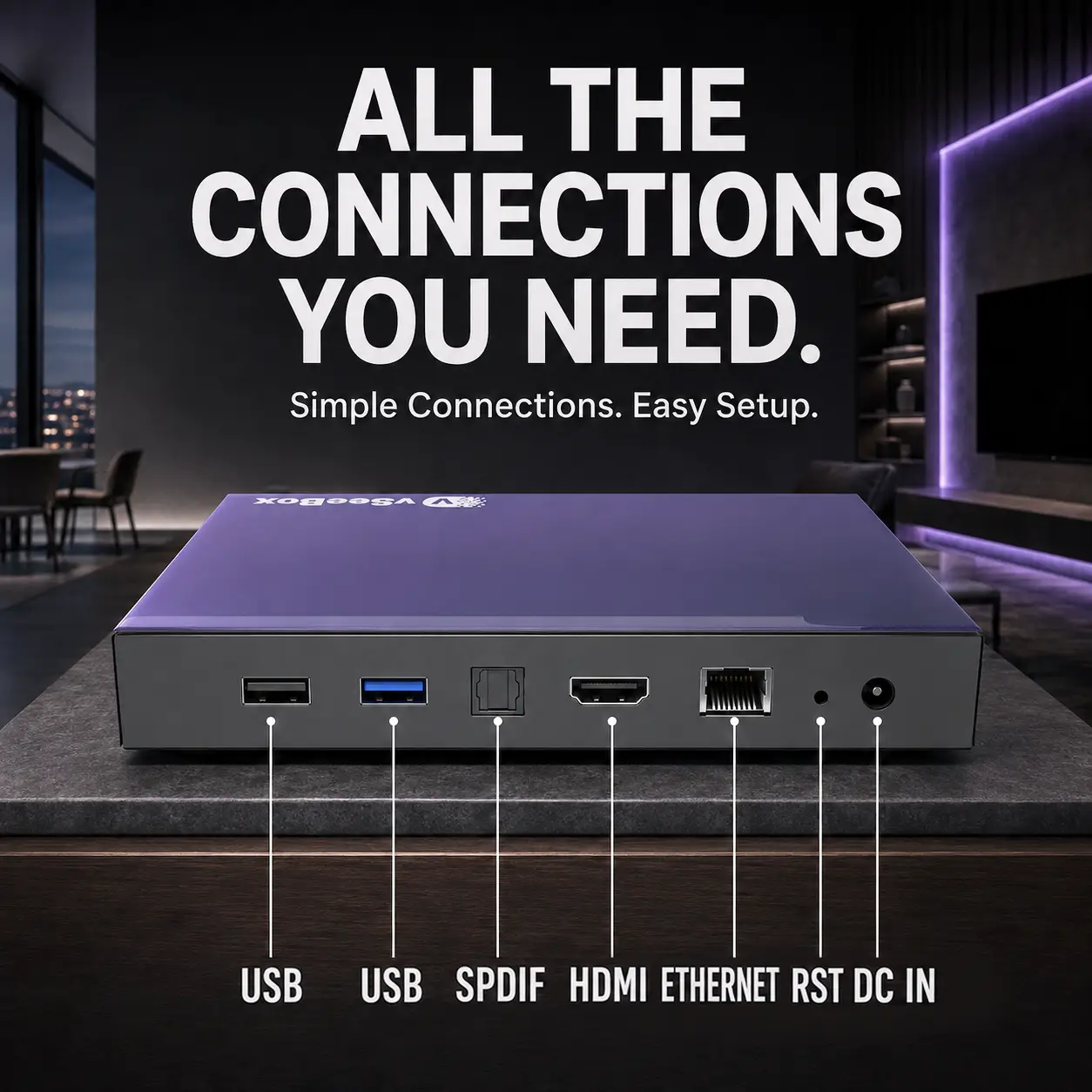
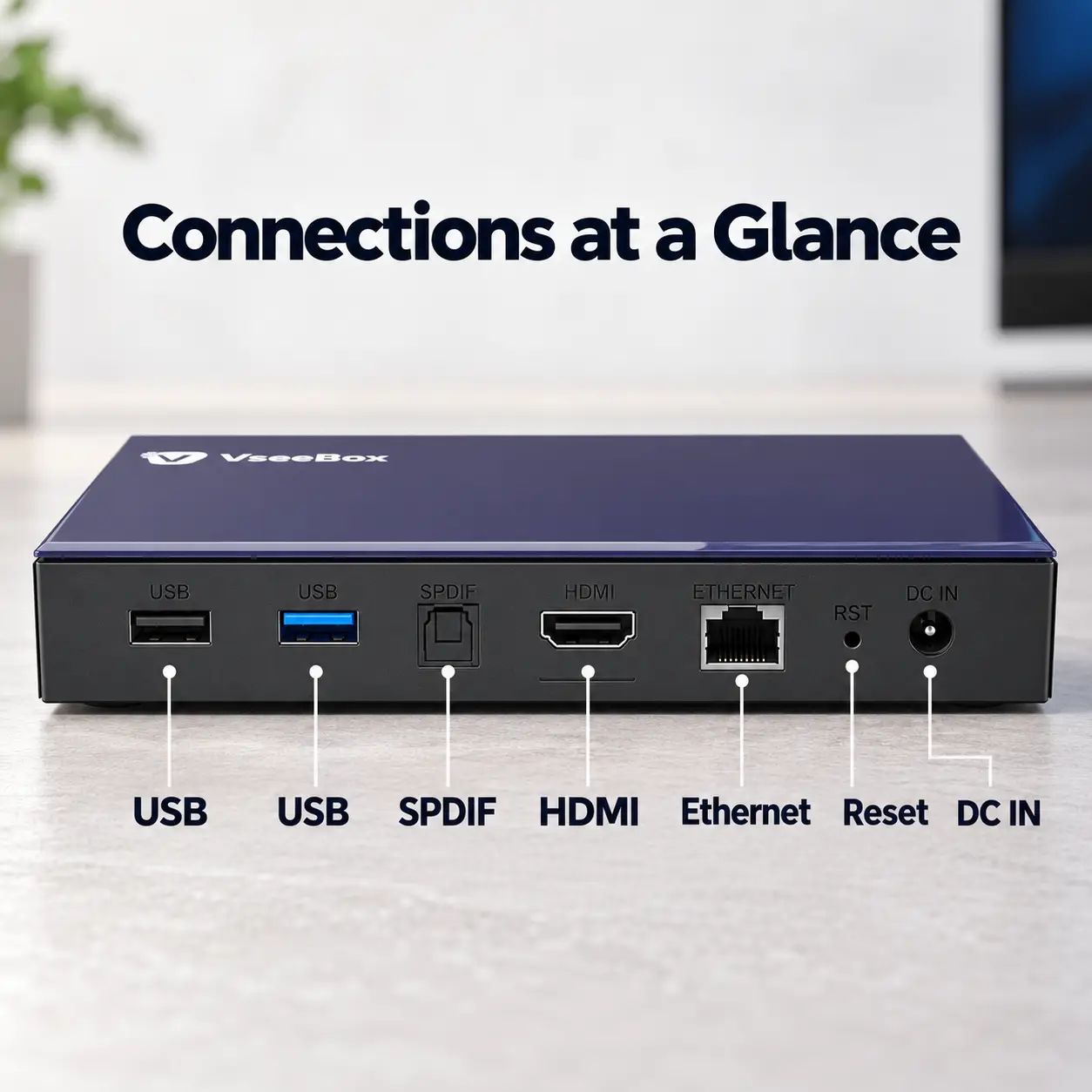
Connect V6 Plus to your TV with the included HDMI cable, attach the power adapter, and select the matching TV input.
2. Connect to Wi-Fi
Follow the on-screen instructions to join your home network.
3. Set Up Your Apps
Open or install compatible apps and sign in where required.
Need a hand along the way? Email support@vseeboxnova.com for setup assistance.
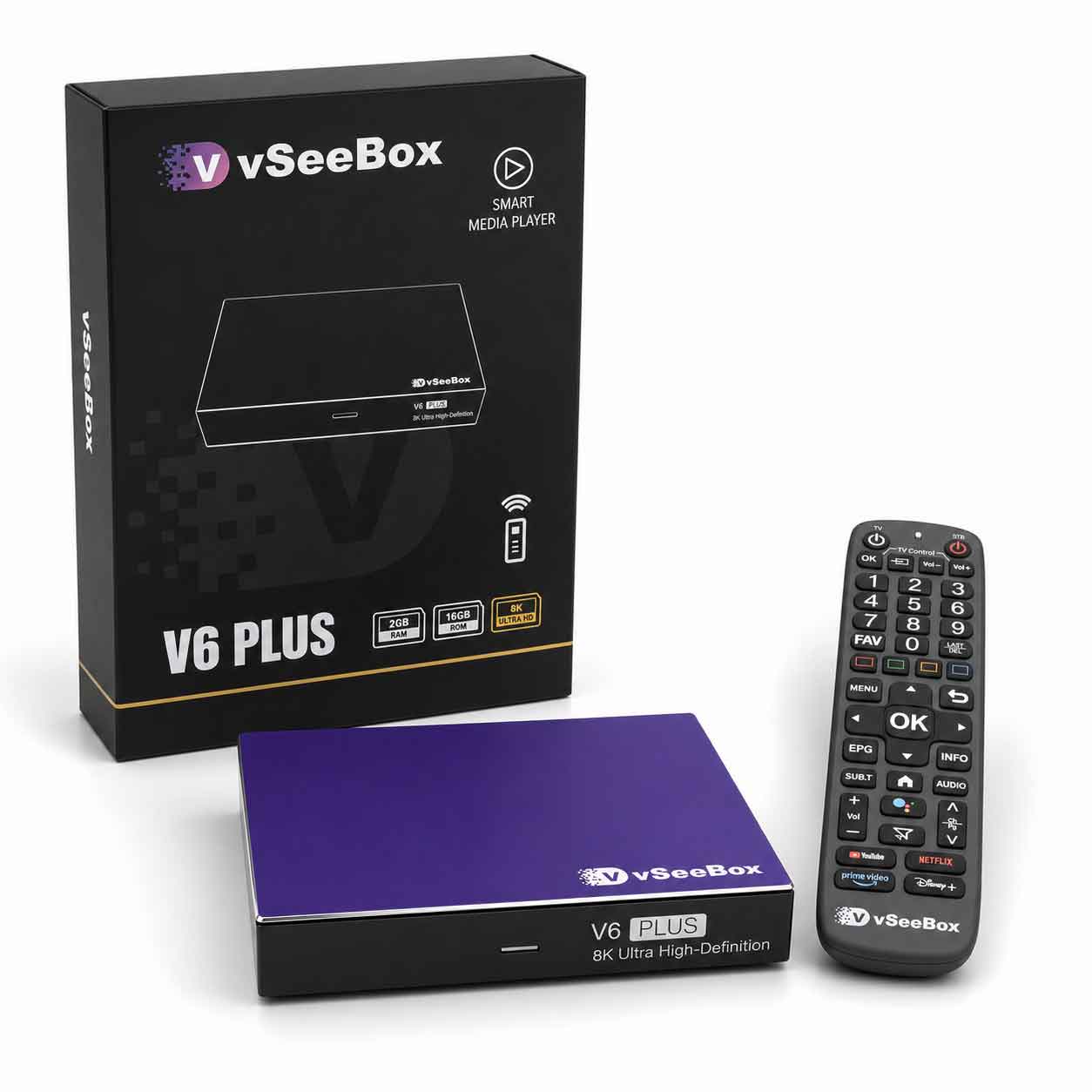
Open the Box. Here’s What’s Inside.
-
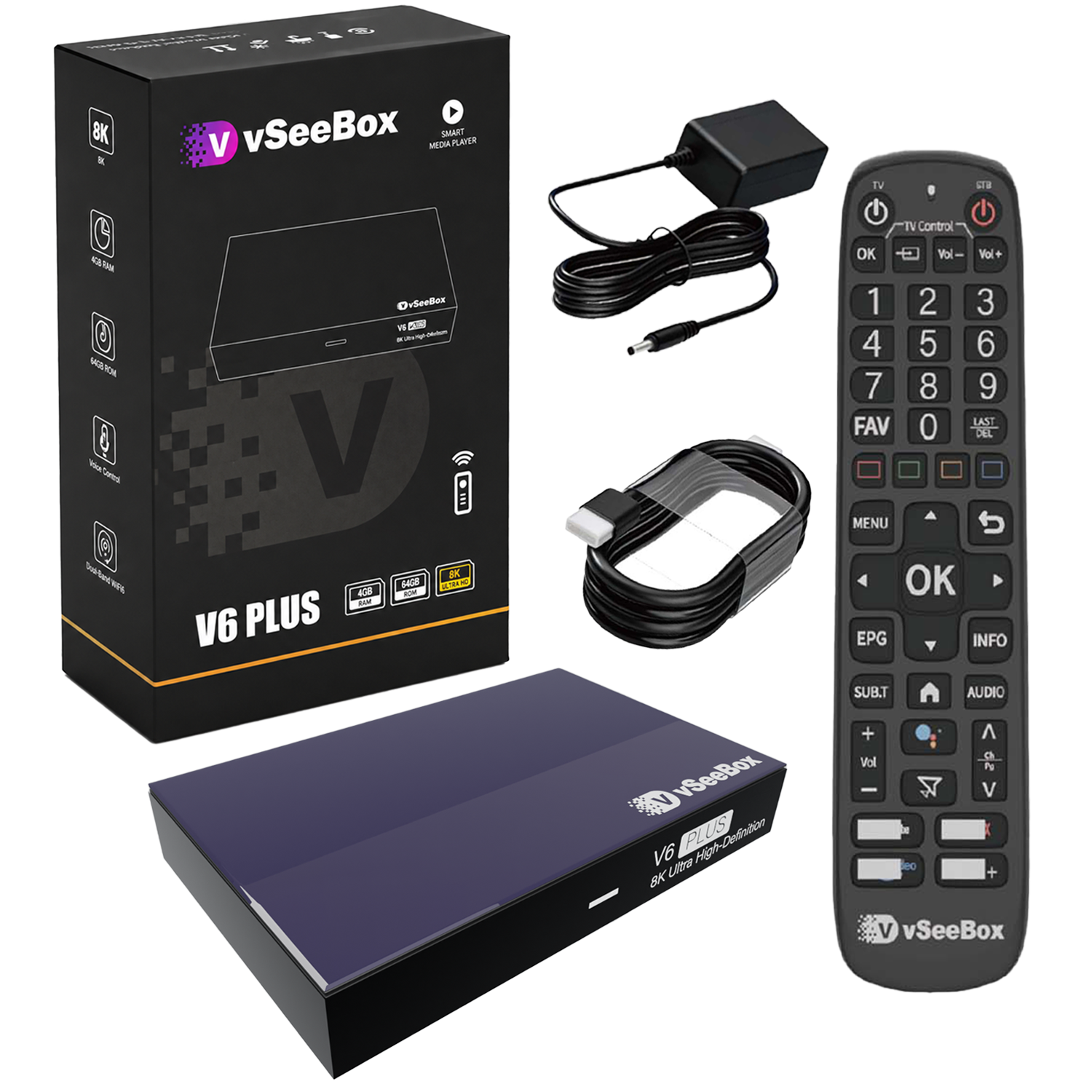
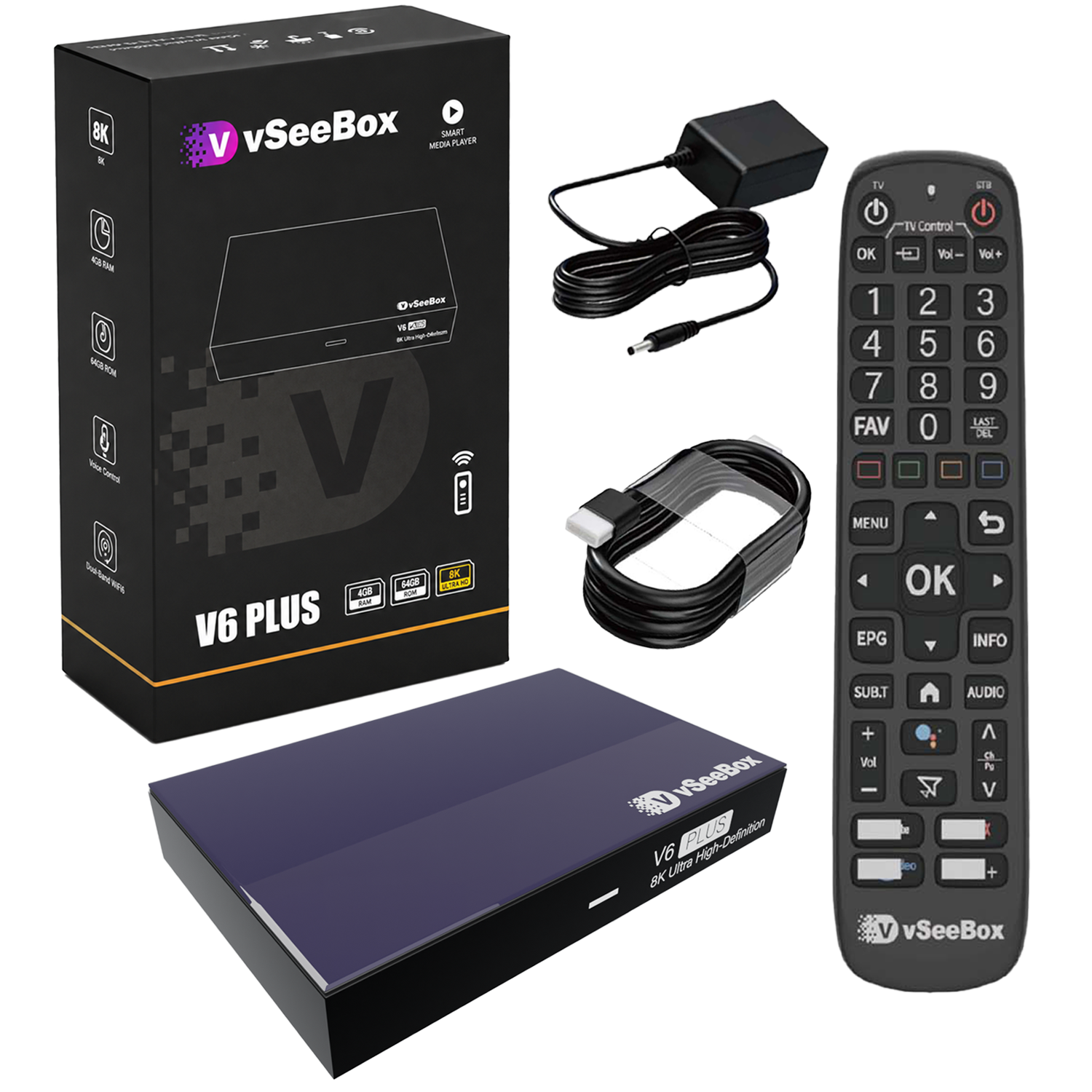
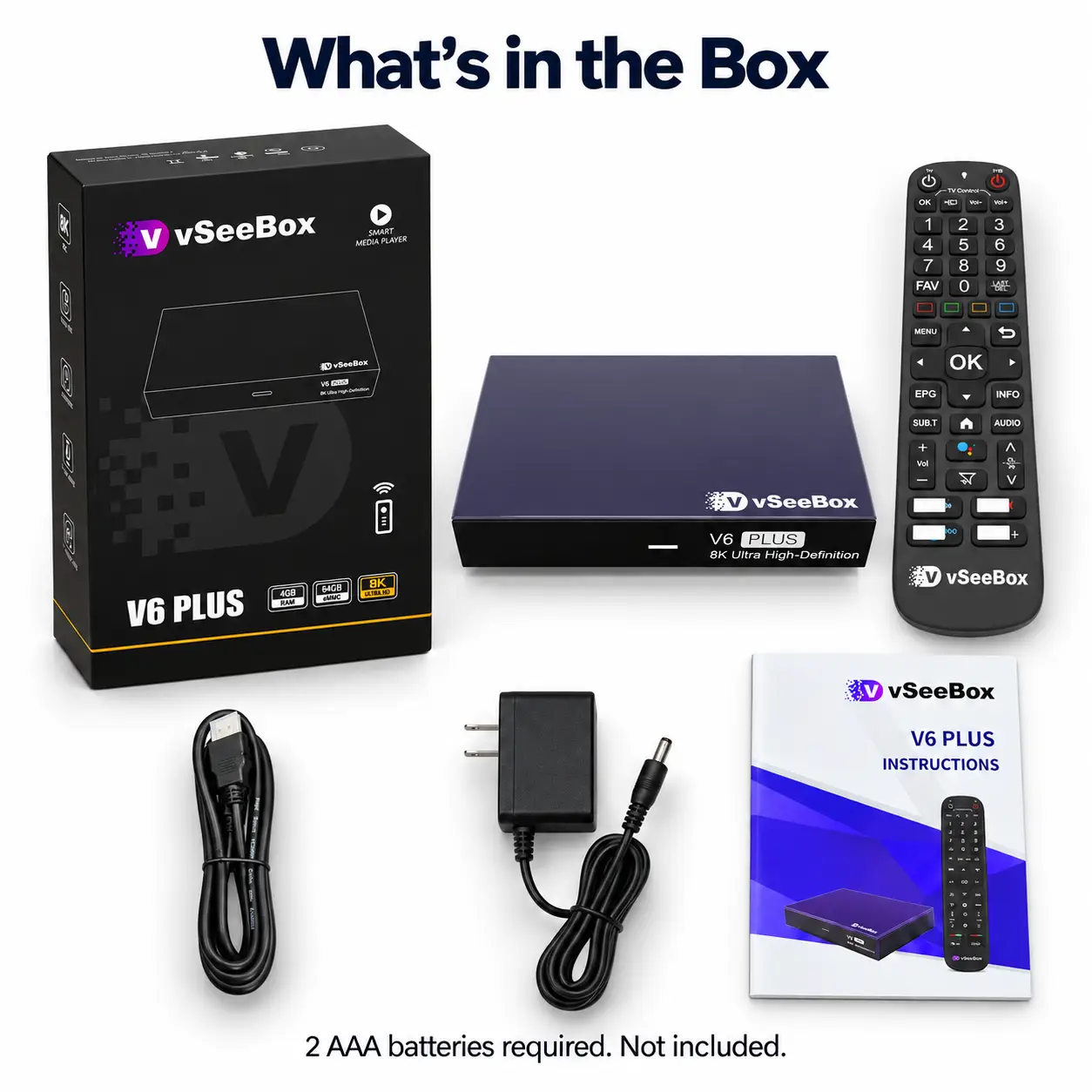
vSeeBox V6 Plus
-
Backlit Bluetooth Voice Remote
-
HDMI Cable
-
Power Adapter
-
User Manual
The HDMI cable is included, so you don’t need to buy one separately for setup.
Just have two AAA batteries ready for the remote. Batteries are not included.
All vSeeBox products we offer are fully licensed and genuine. We are committed to providing responsive customer support, technical assistance, and a customer-friendly return and exchange policy.