

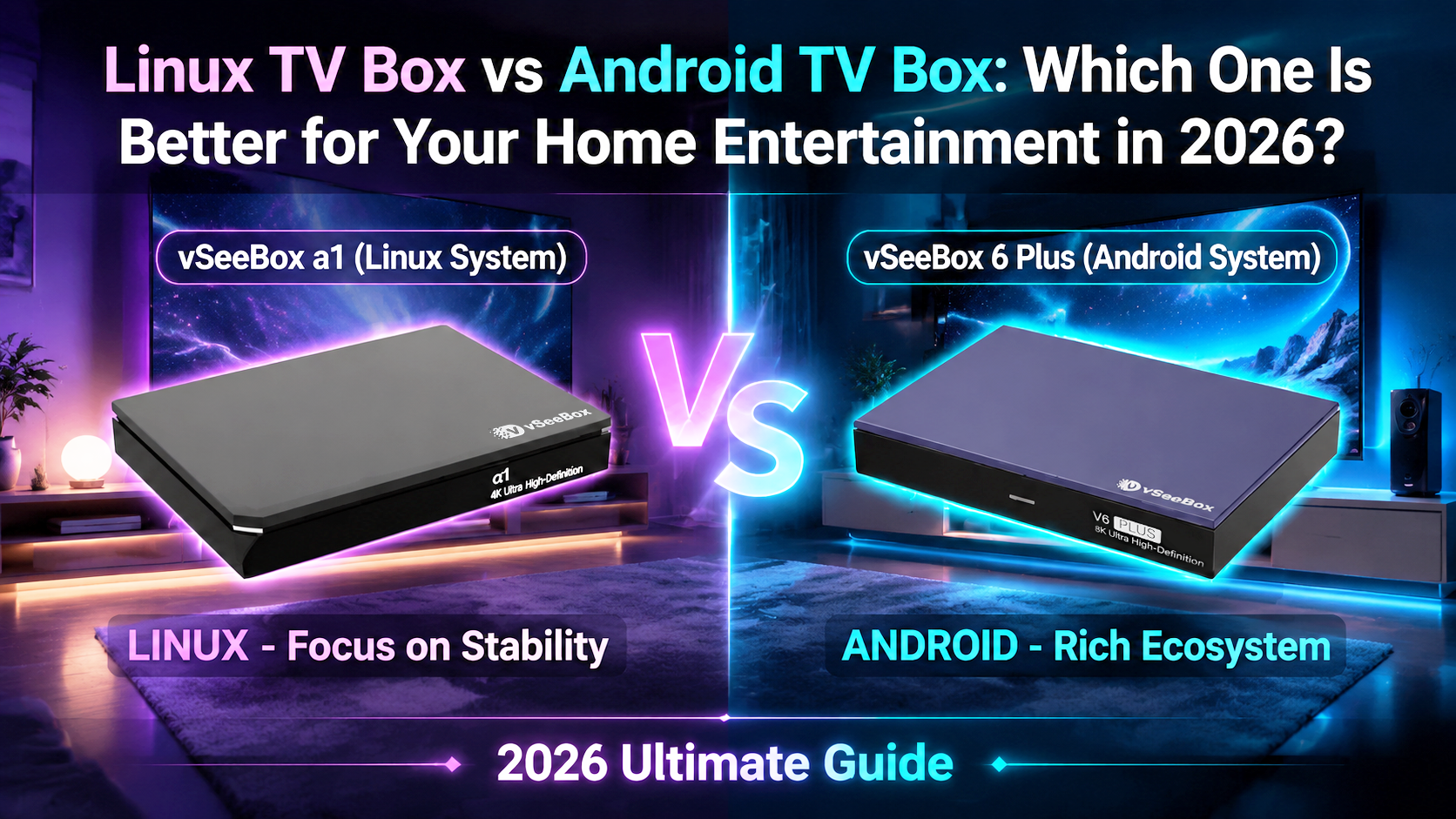
Choosing a new TV box in 2026 often comes down to one important question: Linux TV Box or Android TV Box—which one is better for your home?
The answer depends less on which operating system is “better” and more on how you actually use your television.
A Linux TV box is generally designed around simplicity, stability, and straightforward media playback. An Android TV box offers a more flexible smart-TV experience, with broader app support, more customization, and additional features.
In this guide, we'll explain the differences between the two platforms and compare two popular vSeeBox options: the vSeeBox α1, built around a simple Linux-based experience, and the vSeeBox V6 Plus, an Android 14 TV box designed as a versatile all-rounder for modern households.
Linux TV Box vs Android TV Box: The Main Difference
At first glance, both types of TV boxes do the same basic job: they connect to your television and give you another way to enjoy digital entertainment.
The difference is in how they approach that job.
| Feature | Linux TV Box | Android TV Box |
|---|---|---|
| Main Focus | Simple, dedicated media playback | Full smart entertainment experience |
| Interface | Straightforward and focused | Flexible and customizable |
| App Options | More limited | Wider app compatibility |
| Setup & Navigation | Usually simpler | More settings and options |
| Best For | Viewers who value simplicity | Users who want flexibility and features |
| Typical User | Parents, seniors, casual viewers | Families, app users, power users |
If you want a device that stays focused on watching content without a lot of extra settings, Linux may be the better fit.
If you want apps, customization, multitasking, and a more complete smart-TV platform, Android will usually make more sense.
What Is a Linux TV Box?
A Linux TV box uses a lightweight Linux-based operating system designed primarily for media playback.
Unlike a typical Android device, it doesn't need to behave like a large smartphone attached to your TV. Instead, the experience can be kept focused on the features people use most often.
That makes Linux TV boxes attractive to users who prefer technology that feels simple and predictable.
Why Choose a Linux TV Box?
There are several reasons a Linux-based media player may work better in some homes.
1. Simple Everyday Operation
A more focused interface means fewer menus, fewer settings to manage, and less time learning how the device works.
This can be especially useful when buying a TV box for parents, grandparents, or anyone who simply wants an uncomplicated viewing experience.
2. Lightweight System
Linux systems can dedicate more of their resources to their core media functions rather than running a large ecosystem of applications and background services.
3. Less Unnecessary Complexity
Not every viewer wants to install dozens of apps or customize every part of a television interface.
For someone whose priority is simply turning on the TV and enjoying entertainment, a dedicated Linux media player can be a practical choice.
vSeeBox α1: A Simple Choice for Everyday Viewing
The vSeeBox α1 is designed for viewers who prefer a straightforward entertainment experience.
Rather than competing on the number of settings or customization options available, the α1 focuses on making everyday viewing easier to manage.
It can be a particularly good fit for:
-
Parents or seniors
-
First-time TV box users
-
Viewers who prefer simple navigation
-
Households that don't need extensive Android customization
-
Anyone looking for a more dedicated media-player experience
If your idea of a good TV box is “easy to use and easy to understand,” the α1 deserves serious consideration.
What Is an Android TV Box?
An Android TV box turns a television into a much more flexible smart entertainment platform.
Because it uses Android, the device can support a broader range of applications and gives users more control over how they organize and use their entertainment setup.
For many households, this flexibility is the biggest advantage.
Why Choose an Android TV Box?
1. More Apps
Android gives users access to a much broader application ecosystem than a typical dedicated Linux media player.
That makes it easier to use one device for different types of entertainment.
2. More Personalization
Users who like adjusting settings, organizing apps, and tailoring their entertainment experience will generally feel more at home with Android.
3. Better for Multitasking
More memory and storage can make an Android box better suited to users who install multiple apps and regularly move between different services.
4. A Familiar Smart-Device Experience
For anyone already comfortable using Android phones, tablets, or smart devices, an Android TV box often feels familiar from the beginning.
vSeeBox V6 Plus: Our Best All-Rounder for Most Households
For shoppers who want a balance between performance, ease of use, storage, and smart features, the vSeeBox V6 Plus is one of the strongest all-around choices in the current vSeeBox lineup.
At vSeeBox Nova, we position the V6 Plus as our Best Overall option for most households because it combines modern Android functionality with specifications suited to everyday home entertainment.
Key features include:
-
Android 14
-
Amlogic S905Y5 Quad-Core processor
-
4GB RAM
-
64GB built-in storage
-
Dual-band Wi-Fi 6
-
Bluetooth 5.0
-
HDMI 2.1
-
HDR video support
-
AV1, VP9, H.264 and H.265 support
-
Video output up to 8K@60fps on compatible displays and supported content
-
Backlit Bluetooth voice remote
The combination of 4GB memory and 64GB storage gives users enough room for apps while keeping navigation responsive, while Wi-Fi 6 helps provide a stable wireless connection for everyday streaming.
The included backlit voice remote is another practical touch, especially when using the device in a dark living room.
vSeeBox α1 vs V6 Plus: Which Should You Choose?
The easiest way to decide is to think about the person who will actually use the box.
| vSeeBox α1 | vSeeBox V6 Plus | |
|---|---|---|
| Platform | Linux-based | Android 14 |
| Main Strength | Simplicity | Balanced features and performance |
| Experience | Focused and straightforward | Flexible and customizable |
| Apps | More limited | Broader Android app support |
| Ideal User | Simple everyday viewer | Most modern households |
| Best Use Case | Dedicated entertainment | All-around smart entertainment |
| Learning Curve | Lower | Slightly more advanced |
Neither approach is automatically better.
They are designed for different types of users.
Choose vSeeBox α1 If You…
The α1 will probably suit you better if you:
-
Want something simple to operate
-
Prefer fewer menus and settings
-
Are buying a device for parents or seniors
-
Don't need a large selection of Android apps
-
Mainly want a straightforward entertainment device
-
Prefer simplicity over customization
For these users, having fewer options isn't necessarily a disadvantage—it can actually make the experience better.
Choose vSeeBox V6 Plus If You…
The V6 Plus will probably suit you better if you:
-
Want Android 14
-
Use multiple entertainment apps
-
Want more customization options
-
Need more built-in storage
-
Prefer Wi-Fi 6 connectivity
-
Want a backlit Bluetooth voice remote
-
Have a modern 4K or 8K-compatible television
-
Want one balanced TV box for the whole household
For most households looking for a versatile device rather than a dedicated basic player, V6 Plus is our recommended starting point.
What About Other vSeeBox Models?
The decision doesn't have to stop with α1 and V6 Plus.
The current vSeeBox Nova lineup also includes models designed for different viewing priorities.
vSeeBox V6 Pro is aimed at straightforward everyday performance.
vSeeBox V6 Plus offers the best balance for most households.
vSeeBox V6 Max is designed for more performance-focused users and demanding viewing setups.
vSeeBox Elite Ultra is positioned as a premium option for viewers who want additional flexibility and control.
If you already know that you want Android but aren't sure which model to choose, comparing the V6 Pro, V6 Plus, V6 Max, and Elite Ultra may be more useful than comparing operating systems alone.
Is Linux or Android Better for Seniors?
For many seniors, a Linux TV box can be easier because the system tends to place less emphasis on apps, customization, and advanced settings.
That's one reason the vSeeBox α1 can make sense when you're buying a device for a parent or grandparent.
However, familiarity matters too.
If the user is already comfortable with Android phones and apps, an Android model such as the V6 Plus may still be a good choice.
The best option is the one that matches the user's level of comfort—not simply the operating system with the longest feature list.
Is Android Better for Families?
For many families, yes.
Different people in the same household often use different apps and have different viewing habits. Android's greater flexibility makes it easier for one device to accommodate those needs.
The V6 Plus is particularly well suited to this role because it combines Android 14, 4GB RAM, 64GB storage, Wi-Fi 6, and a simple backlit voice remote in one device.
That's why we consider it the best-balanced vSeeBox choice for most households.
Final Verdict: Linux or Android TV Box in 2026?
There is no single winner.
Choose a Linux TV Box such as the vSeeBox α1 if simplicity is your highest priority. It's better suited to viewers who want a focused entertainment device without spending time managing apps and advanced settings.
Choose an Android TV Box such as the vSeeBox V6 Plus if you want a more flexible smart-entertainment experience with Android apps, customization, stronger multitasking capabilities, and modern connectivity.
For many households, the V6 Plus provides the better overall balance.
For users who value simplicity above everything else, the α1 remains an appealing alternative.
The key is not choosing the device with the most features.
It's choosing the one whose features match the way you actually watch TV.
Frequently Asked Questions
Is Linux better than Android for a TV box?
Not necessarily. Linux is often better for users who value simplicity and a focused media experience. Android is generally better for users who want more applications, customization, and smart features.
Is the vSeeBox α1 good for seniors?
It can be a good choice for seniors and less technical users because its Linux-based approach emphasizes straightforward operation rather than extensive customization.
Is the vSeeBox V6 Plus good for families?
Yes. The V6 Plus is designed as a balanced all-around option, with Android 14, 4GB RAM, 64GB storage, Wi-Fi 6, and a backlit voice remote. These features make it suitable for households with a variety of entertainment needs.
Does the V6 Plus support 8K?
The V6 Plus supports video output up to 8K@60fps when used with compatible displays and supported content.
Does the V6 Plus have Wi-Fi 6?
Yes. The V6 Plus supports dual-band Wi-Fi 6 for fast and stable wireless connectivity.
How much storage does the V6 Plus have?
The V6 Plus includes 4GB of RAM and 64GB of eMMC storage, providing room for apps and everyday media use.
Which vSeeBox should I buy?
Choose based on how you watch. The α1 is a good starting point for simplicity, while the V6 Plus is our recommended all-rounder for most households. Users seeking different performance or premium features can also compare the V6 Pro, V6 Max, and Elite Ultra.
Shop vSeeBox with Confidence
When you order from vSeeBox Nova, you can shop with the added convenience of:
-
Free U.S. shipping
-
30-day returns
-
1-year warranty
-
Secure checkout
-
Customer support before and after your purchase
Explore the current vSeeBox lineup and choose the model that best fits the way you watch.